
BTS Recommended Parent & Wrestler Onboarding
Before the registration steps below will work you need to have a payment processing account activated. Please see the https://www.wrestlingiq.com/walkthroughs tab for details if you have not finalized that part of your account.
Use registrations in WrestlingIQ
In order to get year over year retention data, ensure liability forms are signed, and get parents and wrestlers into WrestlingIQ, use our registrations feature found under Payments -> Registrations. See this article for how to set up a seasonal registration.
You will want to create a registration for each practice group. E.g. for each location you operate in, create a registration, plus variants based on who can attend each practice. If you have say a beginner and advanced practice at different times you would then have two distinct registrations 'Fall 2027 Beginner' vs 'Fall 2027 Advanced'.
Once you have registrations created, use your team registration link and QR code found in Settings -> Team to distribute to your registrants.
Your goal should be for parents to use that link to sign up on behalf of their kids! When a parent registers, they create a WIQ account for themselves so they have access to the team calendar and messaging and can optionally invite their wrestlers to have an account.
Create yearly auto-synced rosters for clean data analysis
We recommend keeping a single yearly roster where you sync every single registration roster to it. For example if you have two locations and three seasons (e.g. Fall 2027 Avondale, Winter 2027 Avondale, Spring 2028 Avondale + another three seasons at another location) you would then create a '2026-2027 Roster' and have WrestlingIQ sync seasonal registration rosters to that main year roster.
By keeping a yearly roster like this, you unlock the ability for year over year tracking via the Roster Report under the reports page so you have great data for grant writing.
Using rosters effectively
When you split your registrations by season, even if you charge $0, WrestlingIQ automatically keeps a roster automatically synced from that registration and maintains a messaging group synced to that roster. In other words your contact list for each registration is built automatically, you just need to send to the right messaging groups.
Finally, when setting up your calendar make sure you link rosters to events so that attendance, event RSVPs, and event change notifications go to exactly the right people.
Optional: Locations in WrestlingIQ
If you need to split out reporting by physical location, across multiple rosters, we recommend using our multiple location feature found in team settings.
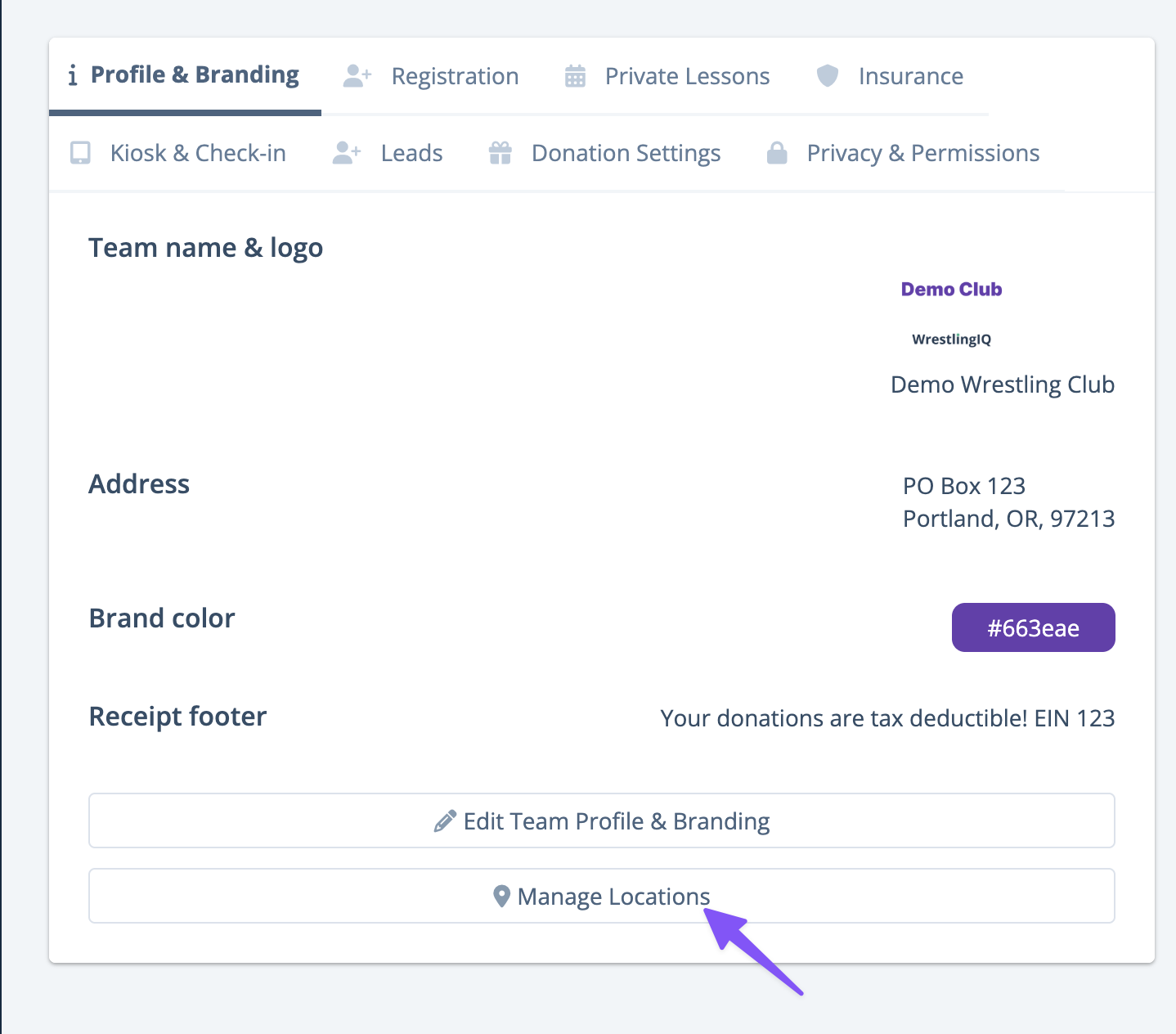
Once you have >1 location, filters will appear all over WrestlingIQ. In reports, on the calendar, in your payments dashboard, etc.